> ## Documentation Index
> Fetch the complete documentation index at: https://docs.tringg.ai/llms.txt
> Use this file to discover all available pages before exploring further.
# Choose Your Agent
> Step 3 of onboarding — pick a template and voice for your AI agent.
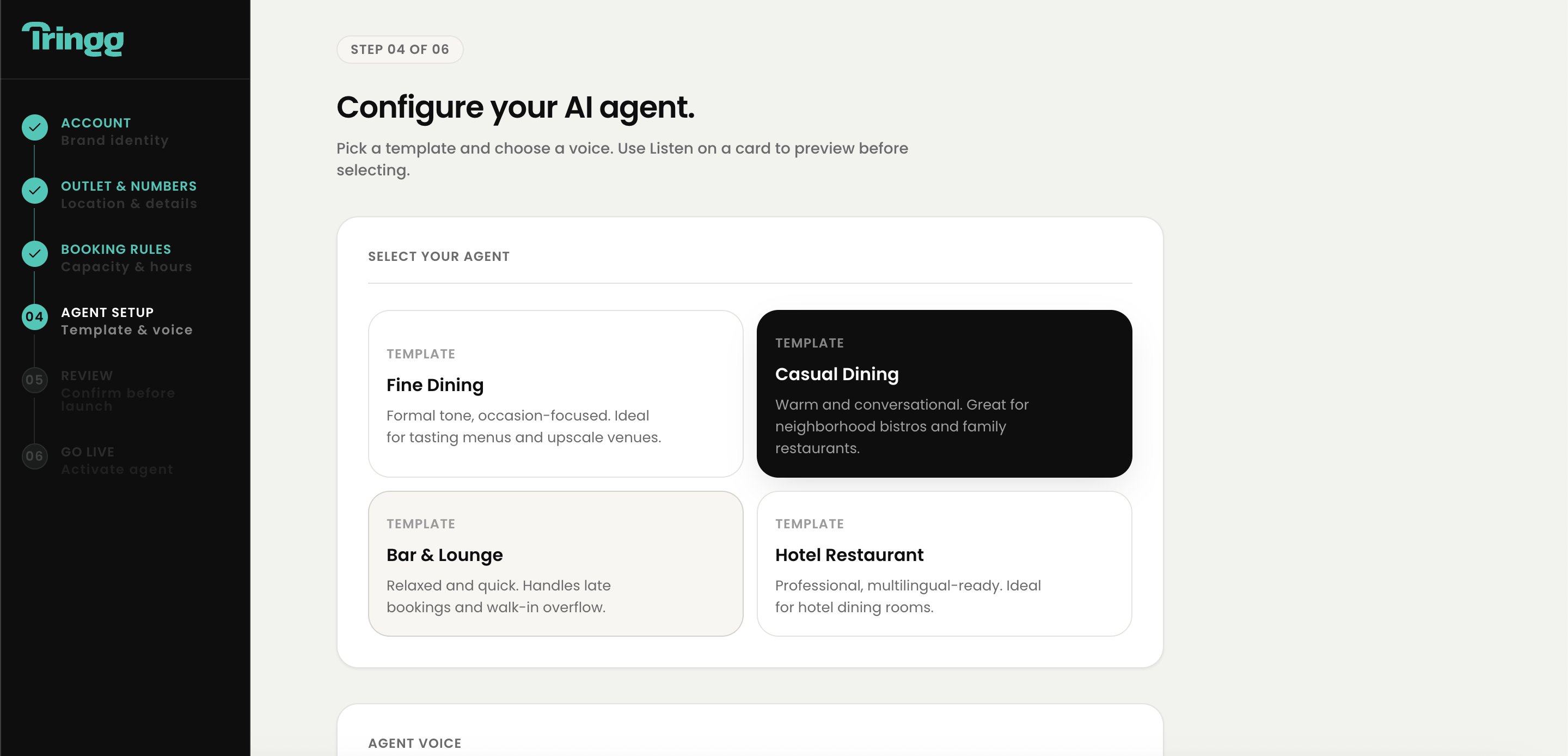
## Pick a template
Fine Dining, Casual Dining, Bar & Lounge, Fast Casual / Café, Hotel Restaurant, or General Purpose.
Each template shows its name, a short description, estimated latency, and cost per minute.
Only one template is active at a time — you can change your selection before continuing.
## Pick and preview a voice
By gender (Male / Female / Neutral) and accent (US / UK / Indian English / Australian / Neutral) — apply filters before previewing.
Click the microphone icon and speak a sentence (5–20 seconds). Tringg synthesizes your own words back in the selected voice — not a generic sample — so you know exactly what your callers will hear.
Preview two or three voices side by side using the same spoken sentence, rather than cycling through options one at a time.
This saves your template + voice selection and creates your agent in **Draft** state, automatically linked to your outlet. The agent's name defaults to the template name.
 If microphone permission is denied, you'll get a text input instead — type a sentence and it'll still synthesize playback. If voice synthesis itself fails, you'll see "Preview unavailable for this voice" with the option to try another.
Next: [Review & Go Live](/onboarding/go-live).
If microphone permission is denied, you'll get a text input instead — type a sentence and it'll still synthesize playback. If voice synthesis itself fails, you'll see "Preview unavailable for this voice" with the option to try another.
Next: [Review & Go Live](/onboarding/go-live).