> ## Documentation Index
> Fetch the complete documentation index at: https://docs.tringg.ai/llms.txt
> Use this file to discover all available pages before exploring further.
# Sign Up & Sign In
> Create a Tringg account or sign back in.
## Signing up
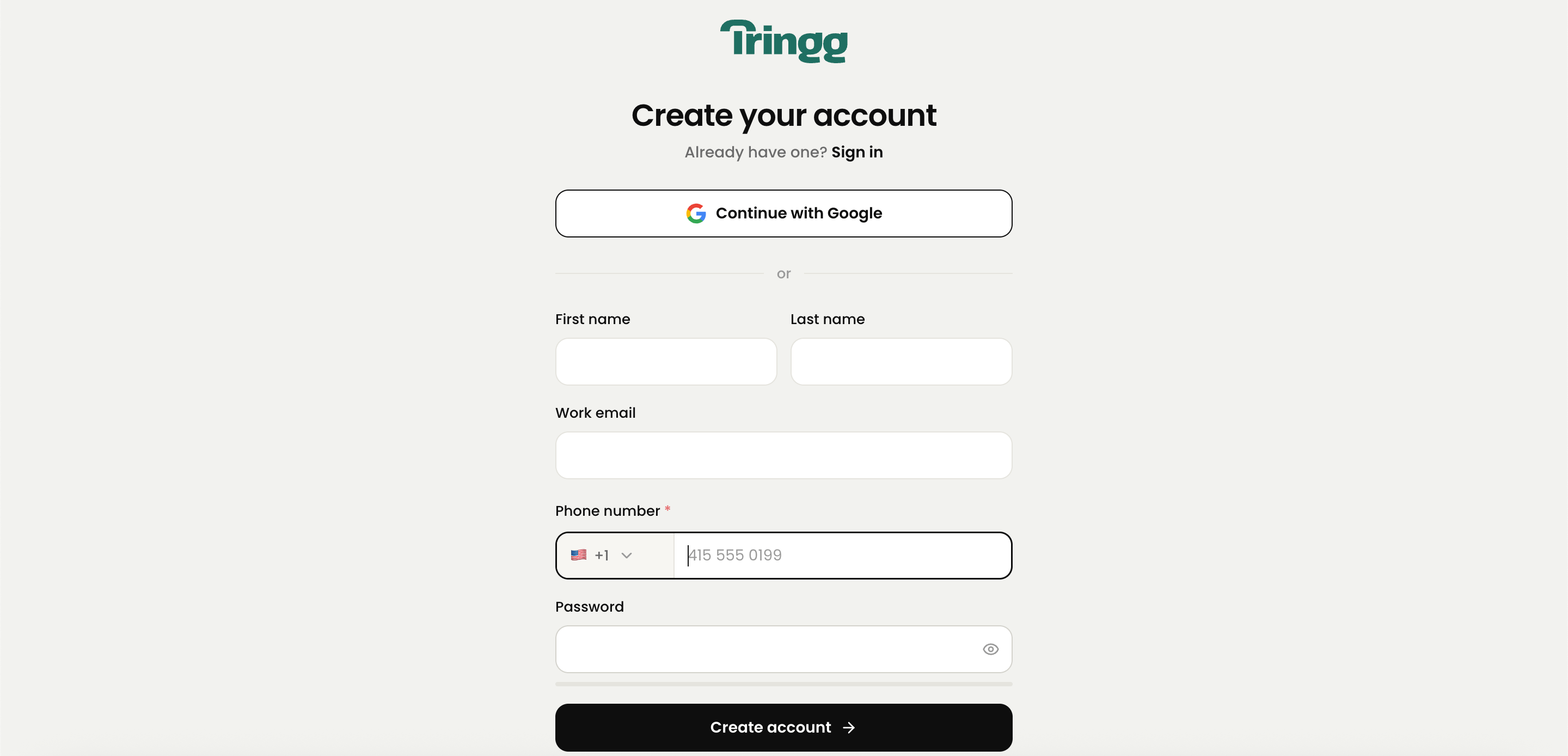
Click **Sign Up** from the sign-in screen.
First name, last name, work email, phone number, and a password (minimum 8 characters, including at least 1 number).
Skip the form entirely and continue with your Google account.
Tringg sends a 6-digit code to your inbox. The code expires in 15 minutes.
 If the email you enter is already registered, you'll be redirected to Sign In instead.
## Signing in
You can sign in with your email and password, or with Google Sign-In. If you've forgotten your password, use **Forgot Password** to reset it by email.
You'll see "Invalid credentials." Double-check and try again.
You'll see a prompt letting you know that email isn't registered with Tringg yet — you can sign up from there.
You'll see "Error in email, try again."
You'll see "Link Expired. Try Again" — request a new reset email.
You'll see a **Retry** option.
Once you're signed in for the first time, you'll move into [outlet setup](/onboarding/outlet-setup).
If the email you enter is already registered, you'll be redirected to Sign In instead.
## Signing in
You can sign in with your email and password, or with Google Sign-In. If you've forgotten your password, use **Forgot Password** to reset it by email.
You'll see "Invalid credentials." Double-check and try again.
You'll see a prompt letting you know that email isn't registered with Tringg yet — you can sign up from there.
You'll see "Error in email, try again."
You'll see "Link Expired. Try Again" — request a new reset email.
You'll see a **Retry** option.
Once you're signed in for the first time, you'll move into [outlet setup](/onboarding/outlet-setup).