.png?fit=max&auto=format&n=bgX9afXAsFEQjCsc&q=85&s=439bdeee25b383fe2205a0b87189c19f)
.png?fit=max&auto=format&n=S-Hkm3ivcon5Z7vT&q=85&s=04ac779a322def7e91255567df5a4536)
Signing up
1
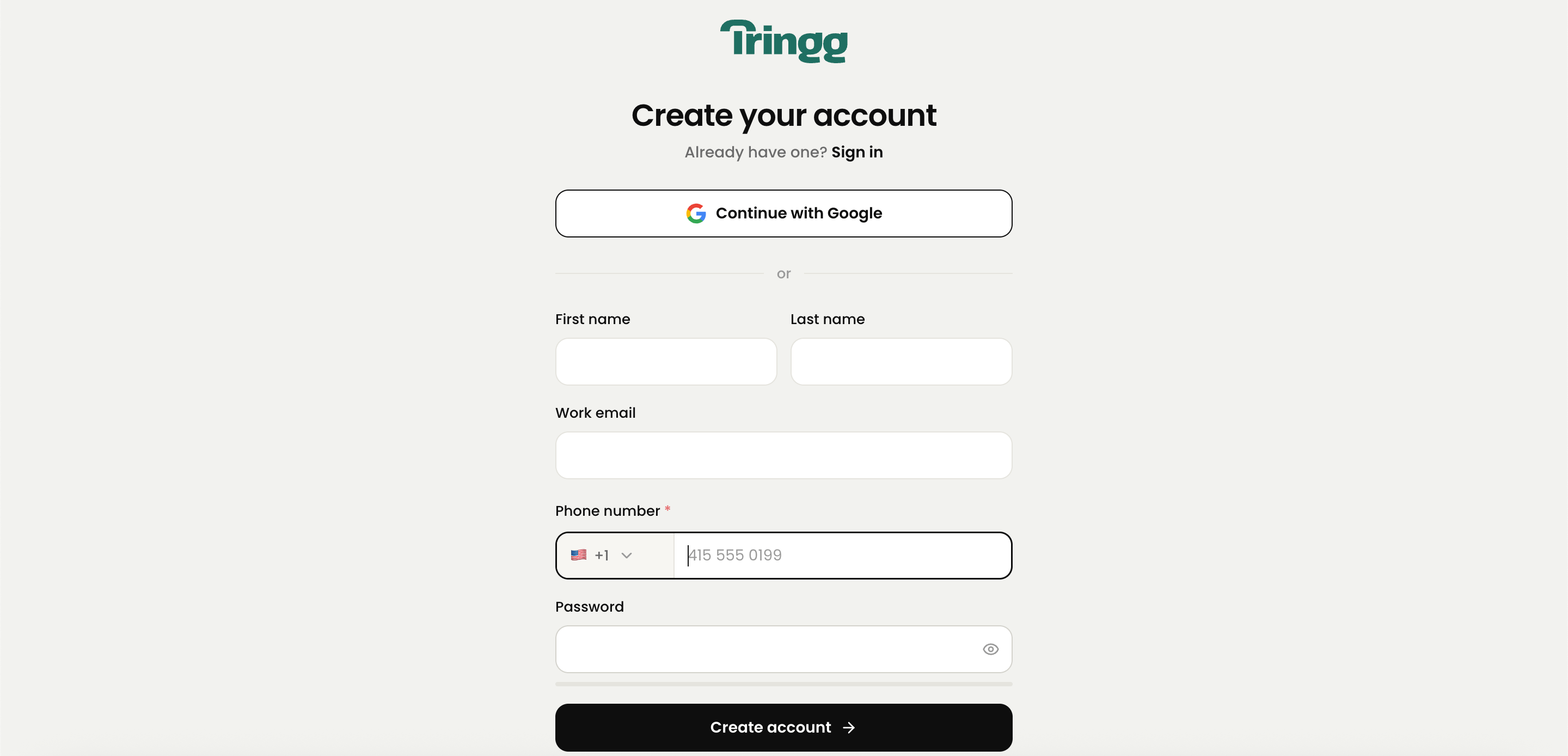
Go to the sign-up page
Click Sign Up from the sign-in screen.
2
Enter your details
First name, last name, work email, phone number, and a password (minimum 8 characters, including at least 1 number).
3
Or use Google Sign-In
Skip the form entirely and continue with your Google account.
4
Verify your email
Tringg sends a 6-digit code to your inbox. The code expires in 15 minutes.
If the email you enter is already registered, you’ll be redirected to Sign In instead.
Signing in
You can sign in with your email and password, or with Google Sign-In. If you’ve forgotten your password, use Forgot Password to reset it by email.I entered the wrong email or password
I entered the wrong email or password
You’ll see “Invalid credentials.” Double-check and try again.
I tried to sign in with an email that isn't registered
I tried to sign in with an email that isn't registered
You’ll see a prompt letting you know that email isn’t registered with Tringg yet — you can sign up from there.
I clicked Forgot Password but my email isn't registered
I clicked Forgot Password but my email isn't registered
You’ll see “Error in email, try again.”
My password reset link expired
My password reset link expired
You’ll see “Link Expired. Try Again” — request a new reset email.
Google Sign-In failed
Google Sign-In failed
You’ll see a Retry option.